Selling a Samsung Galaxy or Google Pixel works a little differently than selling an iPhone — the payout factors are similar, but there's one Android-specific step almost nobody mentions until you're already at the counter. Here's what actually affects your offer, and how to avoid the one thing that can hold up the whole sale. Thinking of switching to Google's newest? See our Pixel 11 vs iPhone 18 Pro comparison, and see how fast phones lose value before you decide when to sell.
1. Model and storage size
This is the biggest factor. Android phones generally depreciate faster than iPhones, so a newer Samsung S or Z-series, or a recent Pixel, holds value better than an older A-series or budget model — but even older devices still have real resale value with decent condition and battery health.
2. Screen and body condition
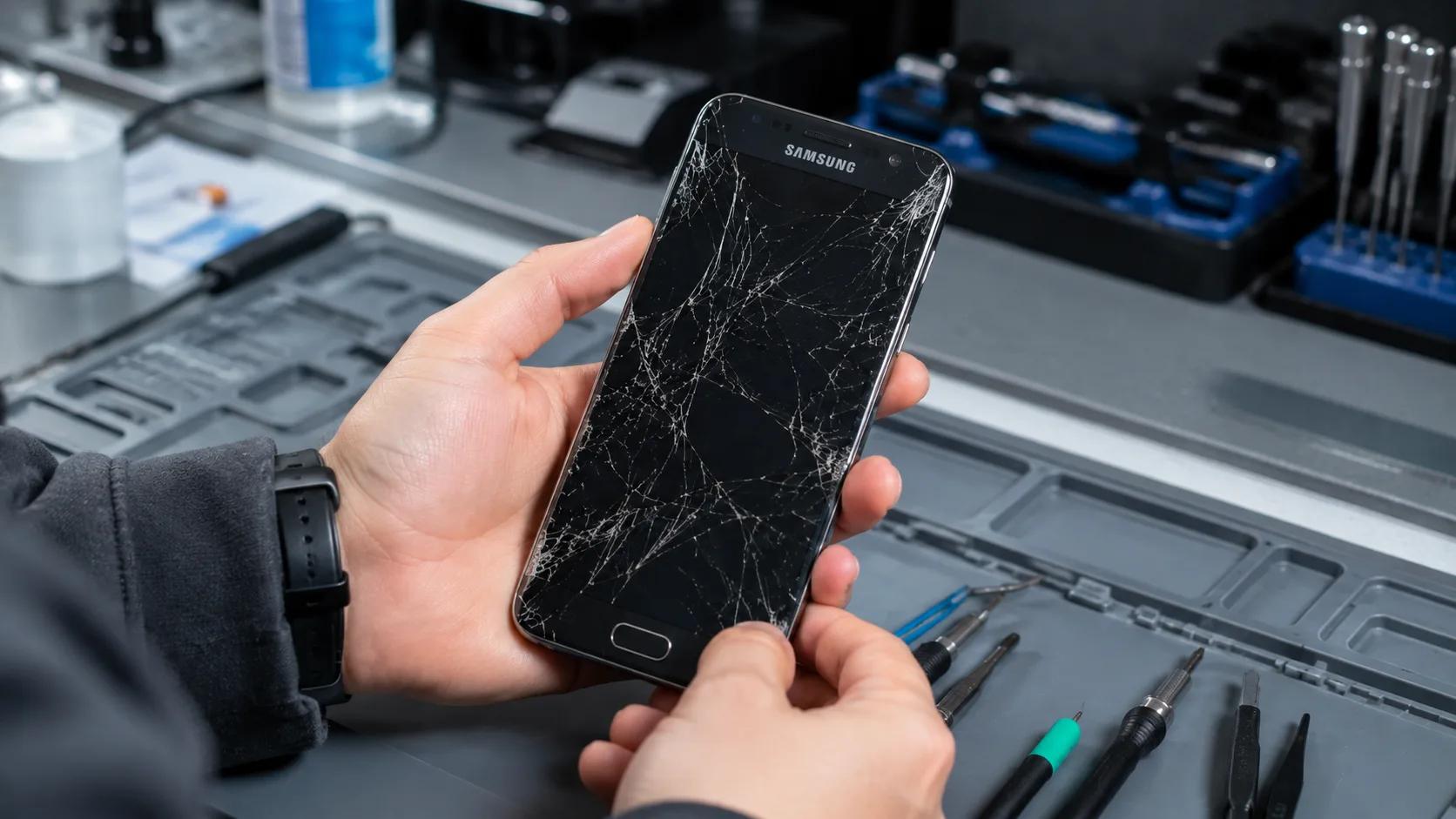
A cracked screen or a bent frame lowers your offer more than most people expect. If it's a small crack, it's sometimes worth a quick repair first before selling — a repaired Galaxy in good condition can be worth noticeably more than the same phone sold cracked.
3. Battery health
Android doesn't show a simple battery percentage the way iPhone does. On most Samsung and Pixel devices you can check it under Settings → Battery → Battery usage, or we can check it for you in-store during your free inspection. A phone with a healthy battery is worth more, since buyers know a low-health battery means a replacement is coming soon.
4. Whether it's carrier-locked
A phone with an active SIM lock tied to a specific carrier is worth less than an unlocked one. If you're not sure whether your Samsung or Pixel is locked, bring it in — we can check for you.
5. Signing out of your Google or Samsung account first
This is the step that trips up more Android sellers than anything else. Modern Android phones have Factory Reset Protection built in — if your Google account (or Samsung account) is still signed in after a reset, the phone stays locked to your account and can't be resold or reactivated by anyone else. Before you bring your phone in, go to Settings and remove your Google account and Samsung account, then do a factory reset. Skipping this step is the single most common reason a sale gets held up at the counter.
How the process works
Bring your Samsung or Pixel into any of our five Vancouver locations for a free inspection — no appointment needed. We check the condition on the spot and give you an honest, upfront offer immediately. Take it as cash, or roll it into credit toward a new or certified pre-owned device. Not sure whether to sell or keep repairing? See 5 Signs You Need a New Phone.
Frequently Asked Questions
Where can I sell my Samsung Galaxy or Pixel in Vancouver?
Do I need to sign out of my Google account before selling?
Can I still sell a cracked Samsung or Pixel?
How do I check my Android phone's battery health before selling?
Ready to see what your device is worth?
Get a Free Offer