Your phone holds more personal information than your laptop, your wallet, and your filing cabinet combined — banking apps, photos, messages, location history. Locking it down properly takes ten minutes and is worth doing today.
Use a real passcode, not a pattern or 4 digits
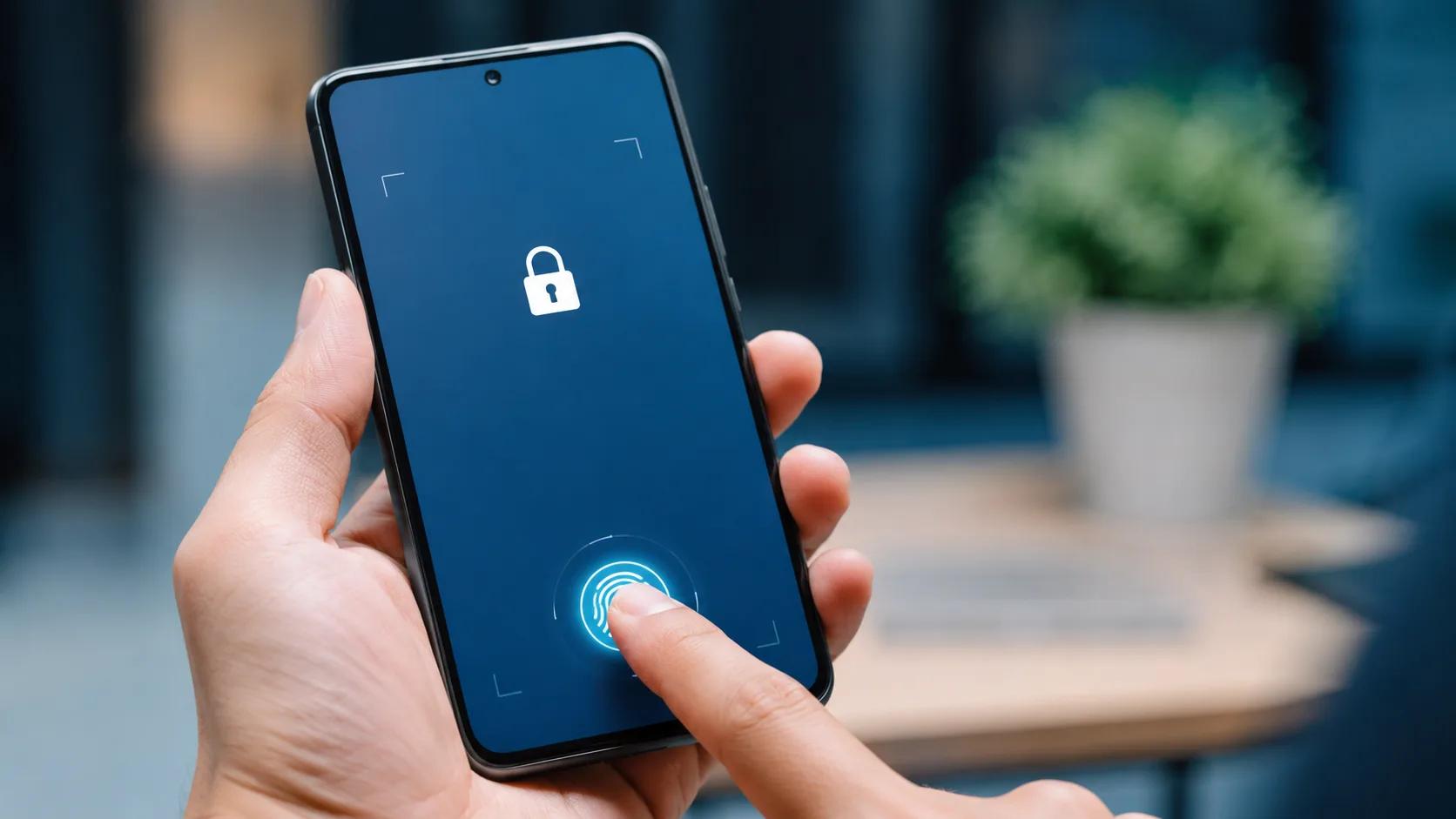
A 6-digit passcode or biometric (Face ID / fingerprint) is significantly harder to guess or shoulder-surf than a 4-digit code or swipe pattern. Turn on biometrics for daily use and keep a strong passcode as the backup.
Turn on two-factor authentication everywhere
For email, banking, and social accounts, two-factor authentication (2FA) means a stolen password alone isn't enough to get in. Use an authenticator app rather than SMS where possible — SMS codes can be intercepted via SIM-swap scams.
Keep your software up to date
Security updates exist specifically to patch holes hackers are actively exploiting. Putting off an update leaves a known door open. Turn on automatic updates if you keep forgetting.
Be skeptical of links in texts and emails
"Phishing" texts pretending to be your bank, a delivery company, or even Apple/Google are one of the most common ways phones get compromised. If a message creates urgency ("your account will be suspended"), pause and go directly to the official app or website instead of clicking the link.
Only install apps from official stores
Stick to the App Store or Google Play. Sideloaded apps from random websites are a leading cause of malware infections on phones, especially on Android.
Review app permissions occasionally
Go through your settings every few months and check which apps have access to your location, microphone, and contacts. If an app you barely use has access it doesn't need, revoke it.
Avoid public Wi-Fi for anything sensitive
Public networks at cafes and airports are convenient but easy to snoop on. Avoid logging into banking or email on public Wi-Fi, or use your mobile data / a VPN instead.
Know what to do if your phone is lost or stolen
Make sure "Find My iPhone" or "Find My Device" is turned on before you ever need it. That way you can remotely lock or wipe your phone the moment it goes missing, rather than hoping for the best.
Need help locking down your device?
Talk to Our Team