If your iPad is draining fast, shutting off unexpectedly, or feels slightly puffy around the back, the battery is the likely cause — and the fix is genuinely a more involved job than an iPhone battery swap. Here's why, what to watch for, and what the repair actually involves.
Why iPad batteries are harder to replace
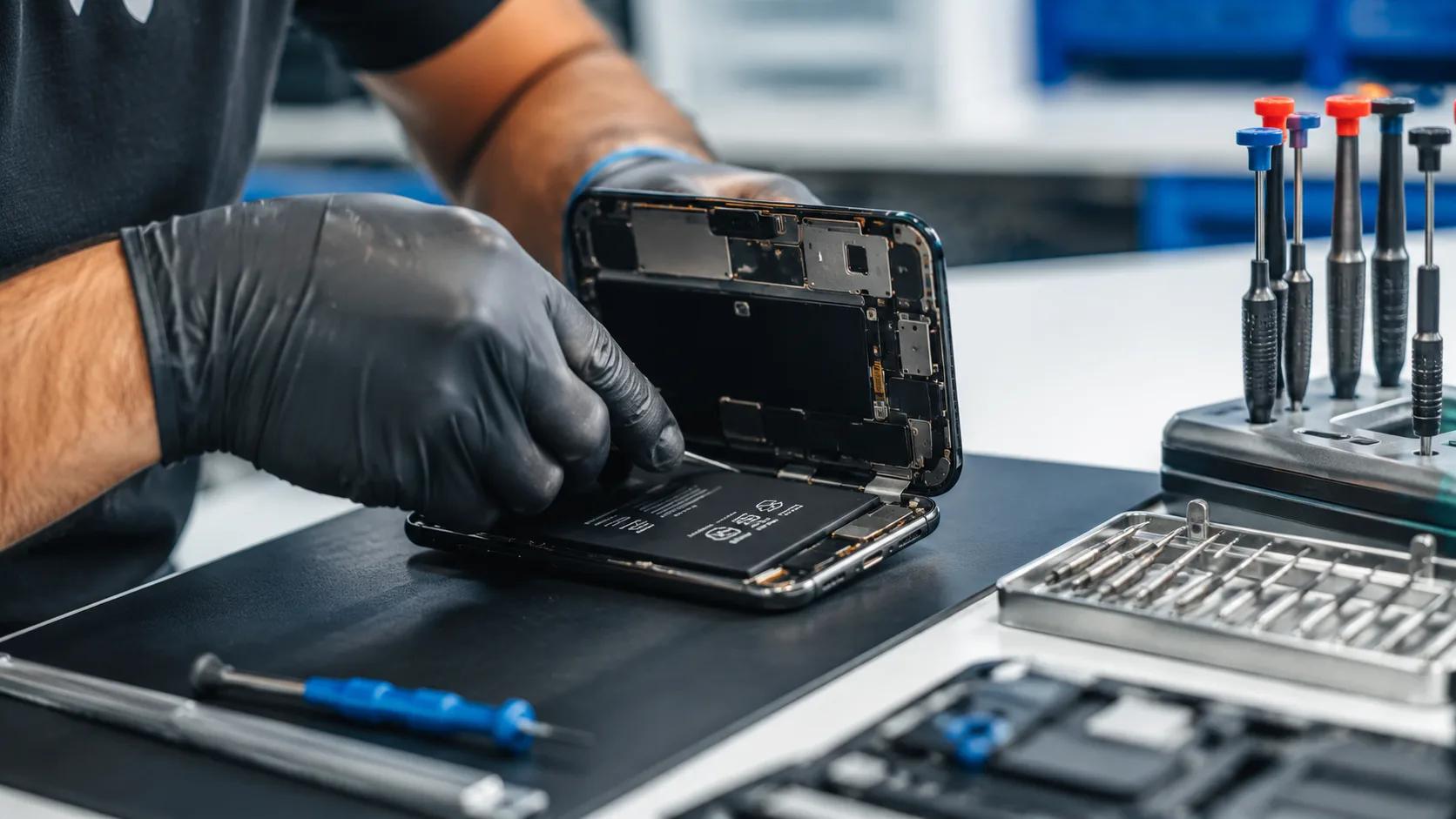
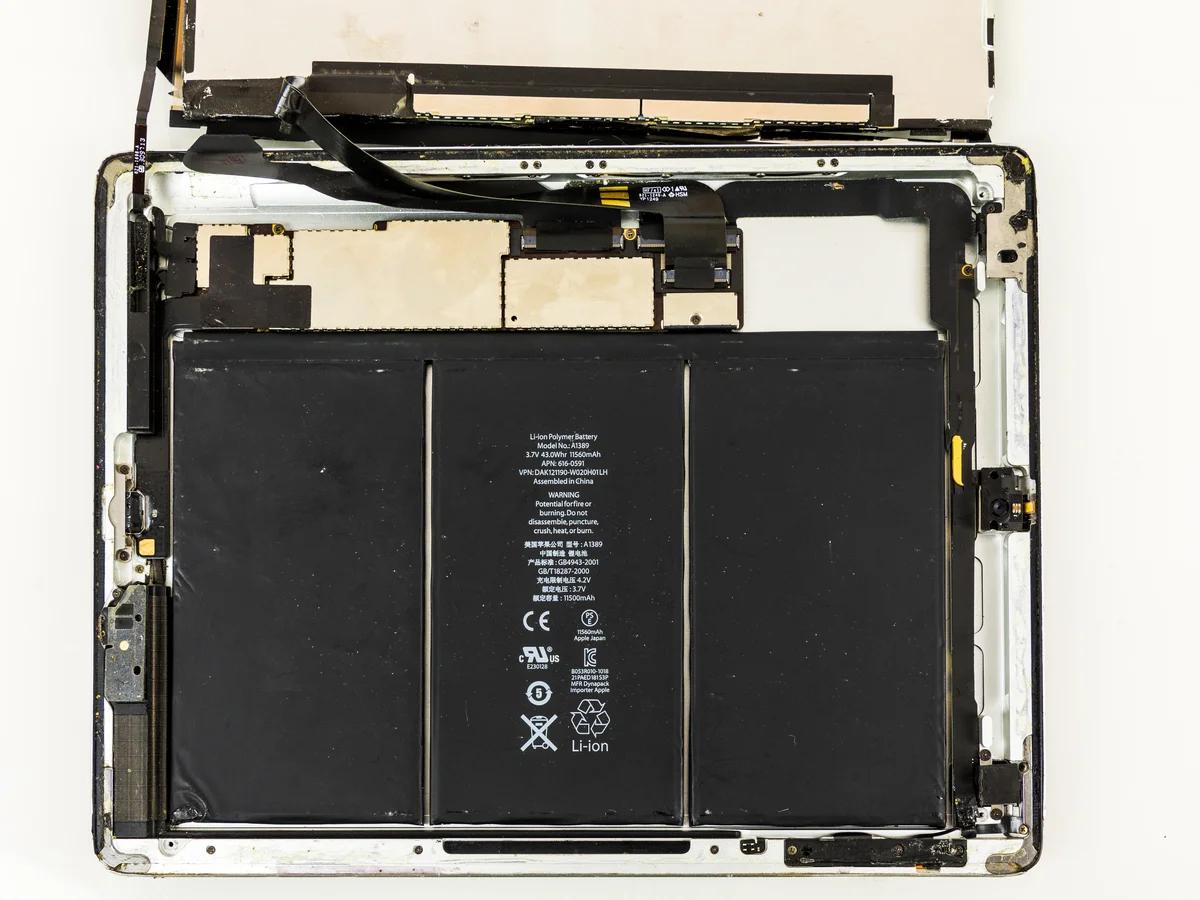
An iPhone battery is designed to come out: Apple uses pull-tab adhesive strips specifically so a technician can stretch and release the glue cleanly. Most iPads don't have that — the battery is bonded flat against the aluminum case with much stronger adhesive, and prying it loose without flexing or puncturing a cell takes real care. iFixit's teardown of the 2018 iPad described the adhesive as turning "a simple battery replacement into an advanced repair," and gave it a repairability score of just 2 out of 10. Even Apple's newest, most repair-friendly model — the M5 iPad Pro — only scored a provisional 5 out of 10 from iFixit, still among Apple's least repairable devices despite official self-service parts.
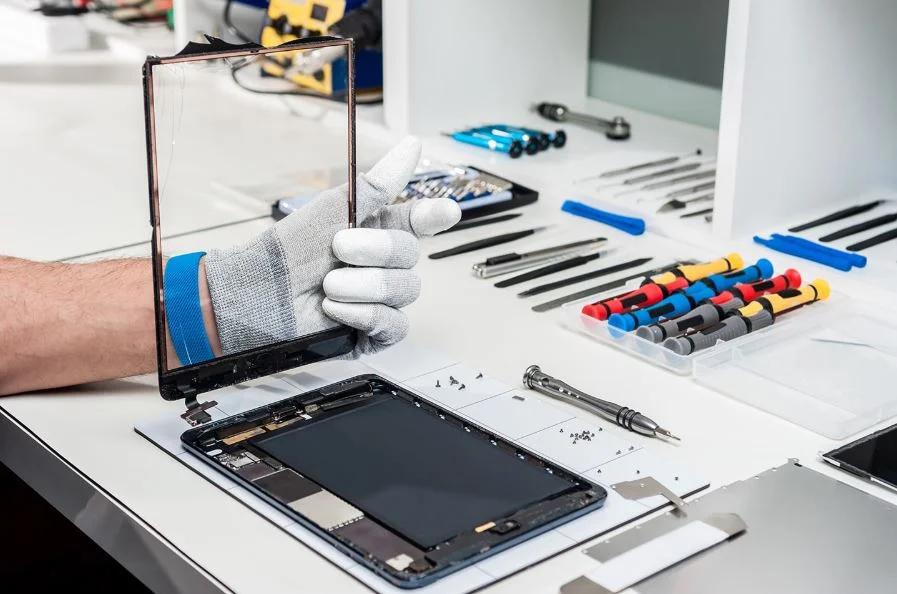
On top of the adhesive, several iPad models route the logic board directly over the battery compartment, so the board has to be disconnected and carefully moved aside before the battery is even accessible. That's extra steps, extra risk of damaging a ribbon cable or connector, and extra time — which is the real reason iPad battery jobs cost more in labour than a phone battery swap, even though the part itself isn't necessarily more expensive.
Signs your iPad's battery is going
- It shuts off suddenly even when the battery percentage shows charge left
- It takes noticeably longer to charge than it used to
- It struggles to last through light daily use
- The case feels warm during normal use, or the back looks slightly puffed up — this one means stop using it now
Watch: what the repair actually involves
What it costs
Because labour time genuinely varies by model — some iPads are far more involved than others — we don't publish a flat iPad battery price the way we do for iPhone batteries. Bring it in for a free inspection and we'll give you an exact quote on the spot, with no obligation. Every repair is backed by our lifetime warranty and we'll price-match any local competitor's written quote.
Already have a Samsung tablet instead?
Samsung Galaxy Tabs have a different internal layout and their own set of common issues — see our Samsung Galaxy Tab repair guide for what we see most often on those.
Frequently Asked Questions
How much does iPad battery replacement cost in Vancouver?
Why is iPad battery replacement harder than an iPhone's?
What are the signs my iPad needs a new battery?
Is it safe to keep using an iPad with a swelling battery?
How long does an iPad battery replacement take?
Sources, checked 2026-10-28
iPad draining fast or running warm?
Get a Free Diagnostic