Samsung's Galaxy Tab line spans everything from budget Tab A models to the AMOLED, S Pen-equipped Tab S series, and the repair approach genuinely differs between them. Here's what matters before you get a quote, and what we see most often.
Tab A vs. Tab S: why the panel type matters
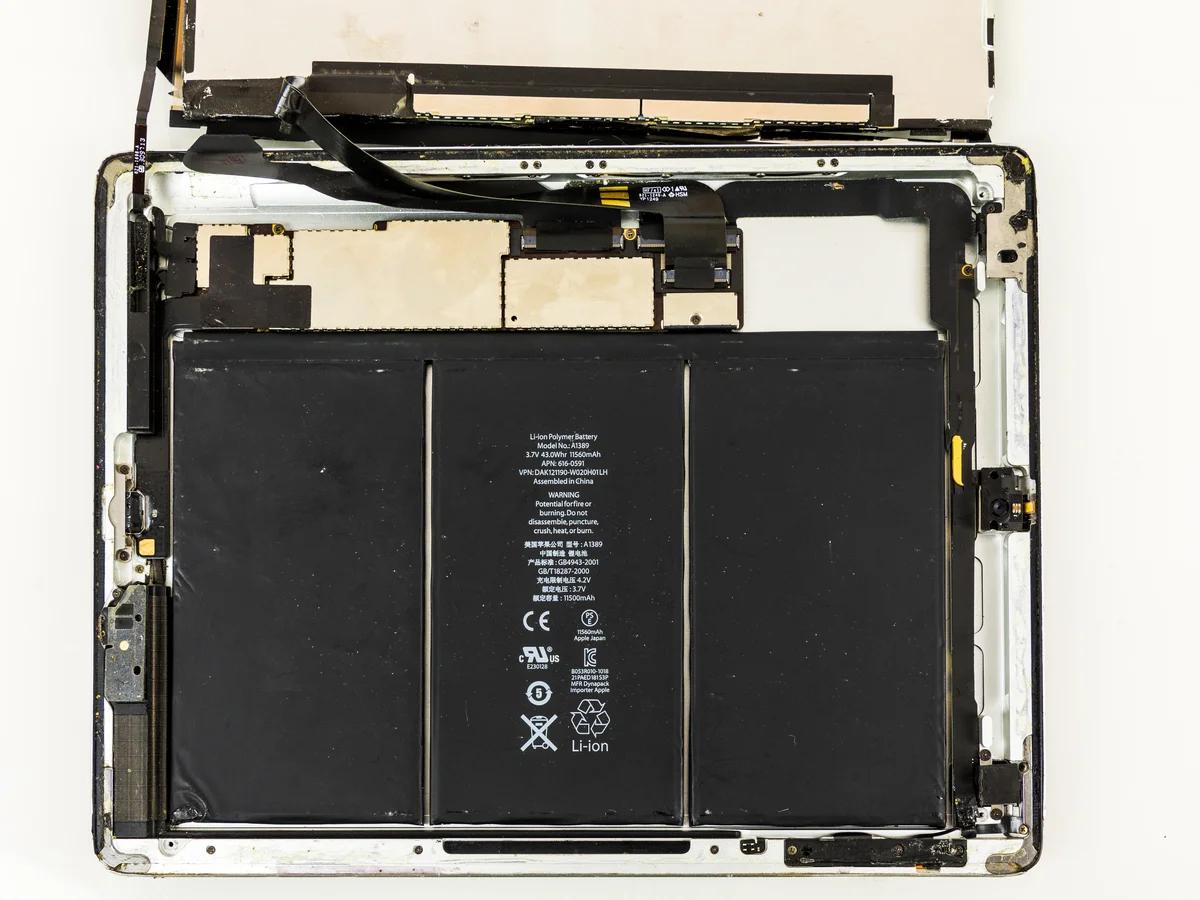
The core difference is the display technology. Tab A models run LCD screens — the same category of display used in most budget phones and laptops, straightforward to source and repair. Tab S models use AMOLED panels, the same display tech as Samsung's Galaxy S phones, with the S Pen digitizer layer built directly into the screen assembly. That means on a Tab S, you can't just swap the outer glass if the digitizer is also affected — the correct part is the full assembly, matched to your exact model, or S Pen input stops working correctly even if the screen looks fine.
| Line | Panel type | S Pen | Typical repair |
|---|---|---|---|
| Tab A | LCD | No | Simpler, lower cost |
| Tab S | AMOLED | Built-in digitizer | Full assembly if digitizer affected |
| Tab Active | LCD, ruggedized | Varies by model | Case/seal checked alongside screen |
Based on Samsung's own published specs per line and our shop's repair experience across models.
What we see most often
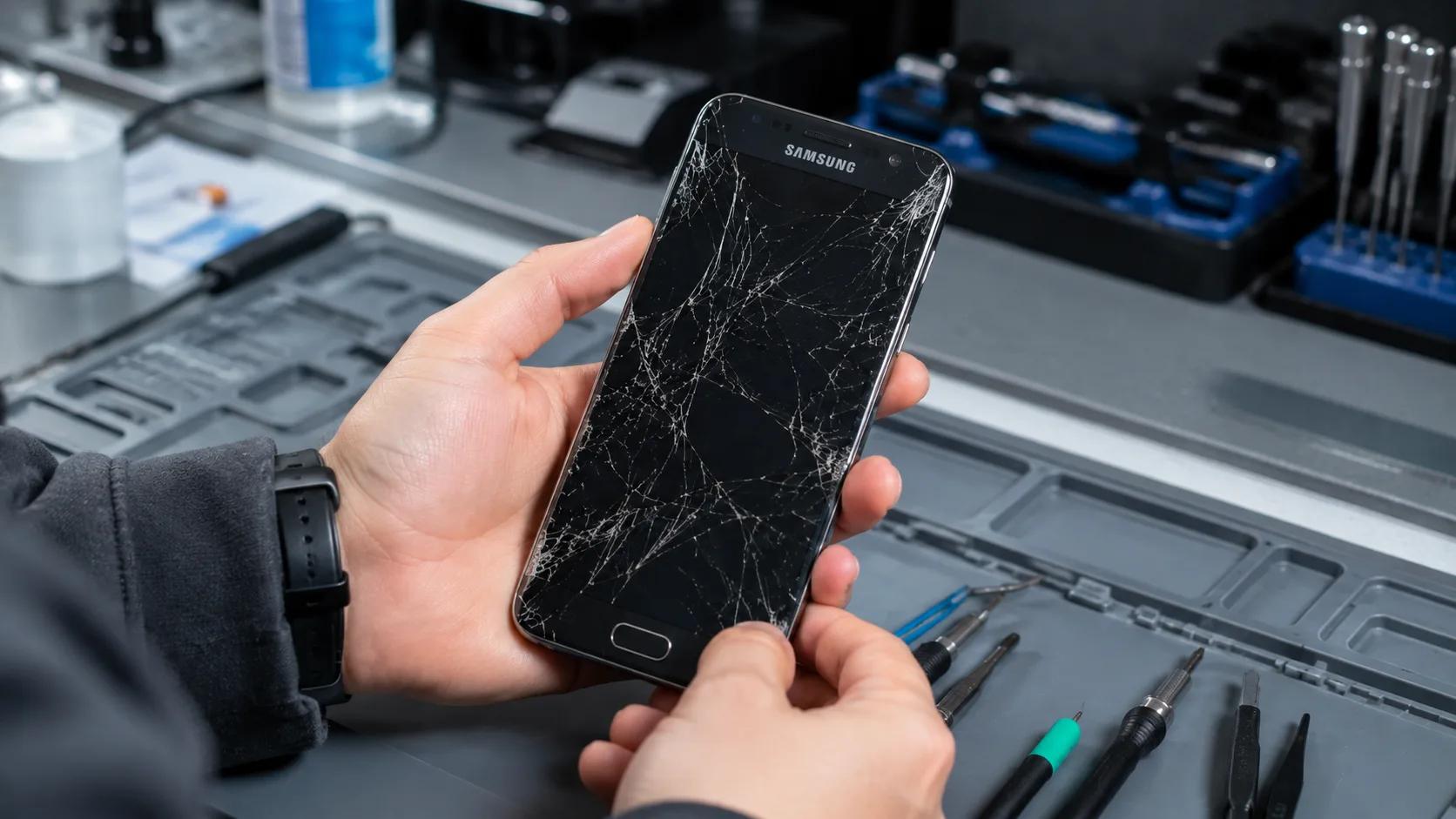
Cracked screens from drops are the single most common reason a Galaxy Tab comes in — tablets get carried around and dropped more casually than phones, since people treat them more like a book than a pocket device. Charging port wear is the second most common issue; a tablet gets plugged in daily, often for hours, and that repeated use wears connectors down faster than you'd expect. On older units, we also see touch faults and screen-edge lifting where dust has worked its way under the frame over months of use — something that's more of a factor on tablets than phones simply because of their larger surface area.
Should you repair the glass only, or the whole screen?
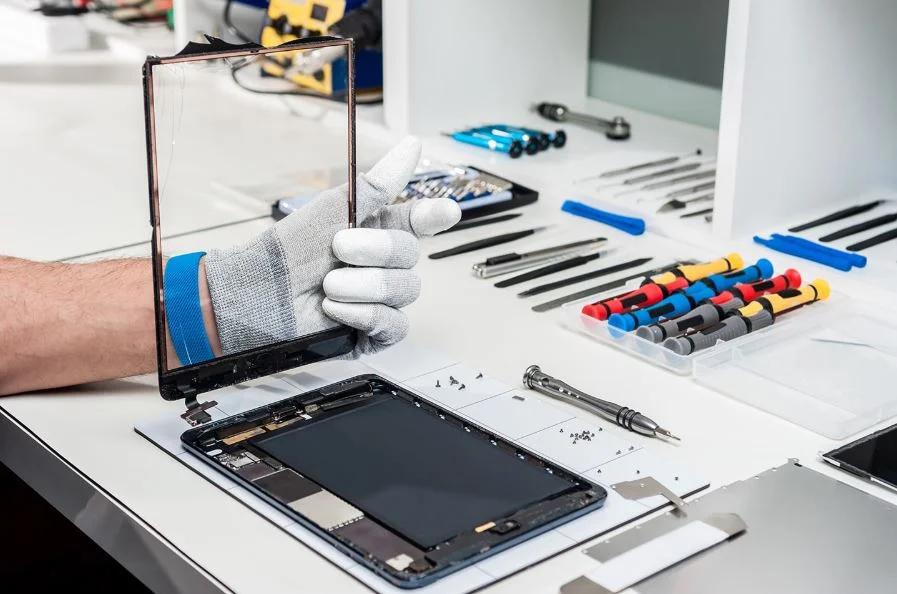
If only the outer glass is cracked and the display underneath still lights up correctly and responds to touch evenly across the whole surface, a glass-only repair can be enough. If there are dead pixels, discoloration, or spots where touch doesn't register, the full display assembly needs replacing — patching just the glass over a damaged panel underneath won't actually fix the problem. We check this during the free inspection before quoting, so you're not paying for the wrong fix.
Watch: a real Tab A7 screen repair
What it costs
Tab A, Tab S, and Tab Active models all use different parts at different prices, so we quote after identifying your exact model rather than publishing one flat number. Bring it into any of our 5 Vancouver locations for a free inspection — if it's a glass-only fix we'll tell you, and if the full assembly needs replacing we'll explain why before you commit. Every repair carries our lifetime warranty, and we'll price-match any local competitor's written quote. For phone-specific Samsung pricing, see our Galaxy screen repair cost guide.
Frequently Asked Questions
How much does Samsung tablet repair cost in Vancouver?
What's the difference between Tab A and Tab S screens?
Can I just replace the glass, or does the whole screen need to come out?
What are the most common Samsung tablet problems you see?
Is it worth repairing an older budget tablet?
Sources, checked 2026-10-31
Cracked tablet screen or dead touch spots?
Get a Free Quote