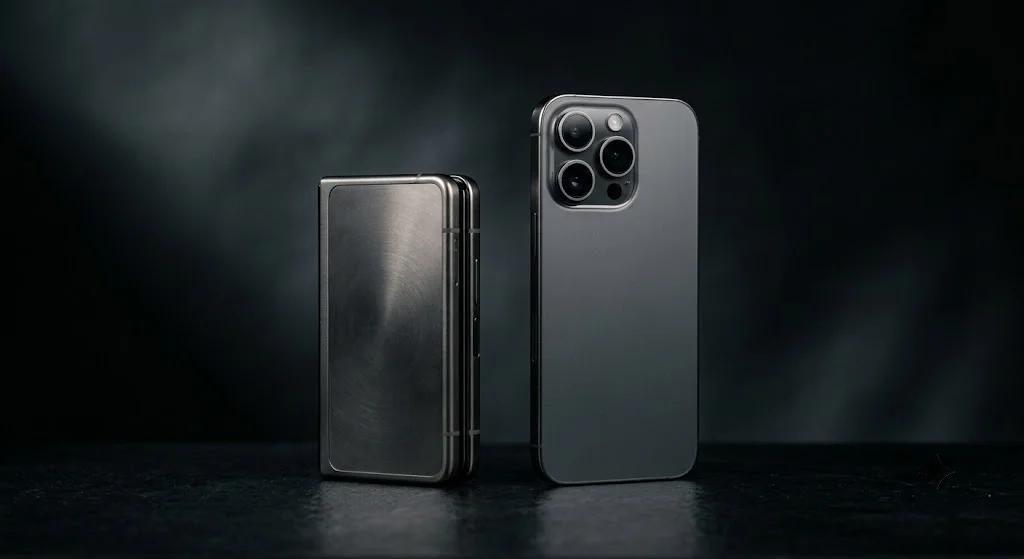
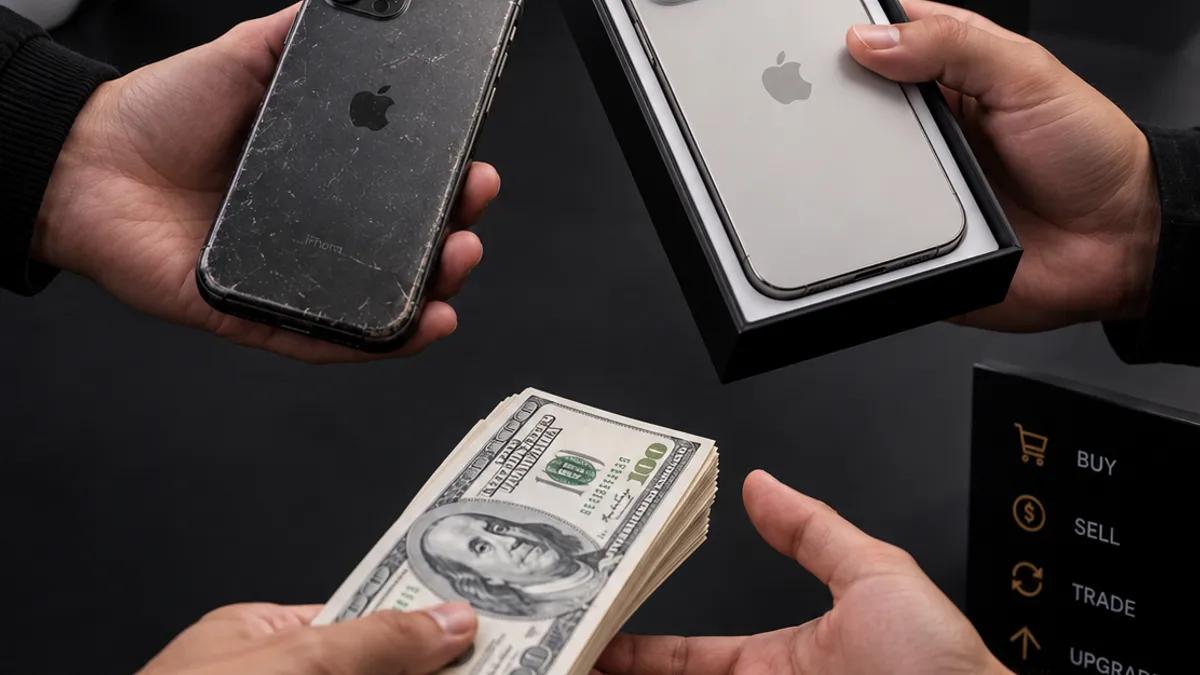
The iPhone 18 Pro and Pro Max reached stores on September 18 in more than 65 countries, with more regions following on September 25, according to Apple's announcement. If you are upgrading, your old iPhone is the biggest lever you have on the final price. This guide covers what your phone is really worth, how fast that value is falling, what to fix (and what not to) before you hand it over, and how the trade-in works at our five Vancouver stores.
What the iPhone 18 launch means for your trade-in
Launch season is when trade-in offers get loud. Apple advertises US credit of $175 to $885 for iPhone 13 and newer, and carrier deals go up to $1,200 for iPhone 14 and newer, per its launch release. Two cautions: those are US figures in US dollars, and they are credits tied to buying from that seller. A cash quote for your exact model and condition is the number that lets you compare offers fairly, which is why a walk-in inspection is worth ten minutes.
How fast does an iPhone lose value?
Every month you keep the old phone, the number shrinks. SellCell's live depreciation data shows the pattern clearly. In good condition, an iPhone 17 has lost 33.0% of its launch price in roughly a year, an iPhone 16 has lost 50.2%, and an iPhone 15 has lost 66.0%. By our arithmetic on those figures, that is another 16 to 17 percentage points for every extra year you hold. These are different models, so read it as a pattern, not a forecast for your exact phone.
Share of launch price lost, phones in good condition
Higher bar = more value lost. Storage sizes differ by model (iPhone 17: 256GB; all others: 128GB).
- iPhone
- Samsung Galaxy S
- Google Pixel
About 1 year old (launched 2025) (iPhone 17, Galaxy S25, Pixel 10)
About 2 years old (launched 2024) (iPhone 16, Galaxy S24, Pixel 9)
About 3 years old (launched 2023) (iPhone 15, Galaxy S23, Pixel 8)
Source: SellCell smartphone depreciation tracker, retrieved September 2026
The same data is why iPhones are the easiest phones to trade: they hold noticeably more of their price than the Android flagships tracked beside them. Coming from Android instead? Our Samsung and Pixel selling guide covers that side.
What decides your offer
Five things move the number. We go deeper on each in our iPhone selling guide; here is the trade-in angle.
- Model and storage. Newer and larger holds value best, as the chart above shows. An iPhone 15 Pro or later sits in a very different bracket from an iPhone 11.
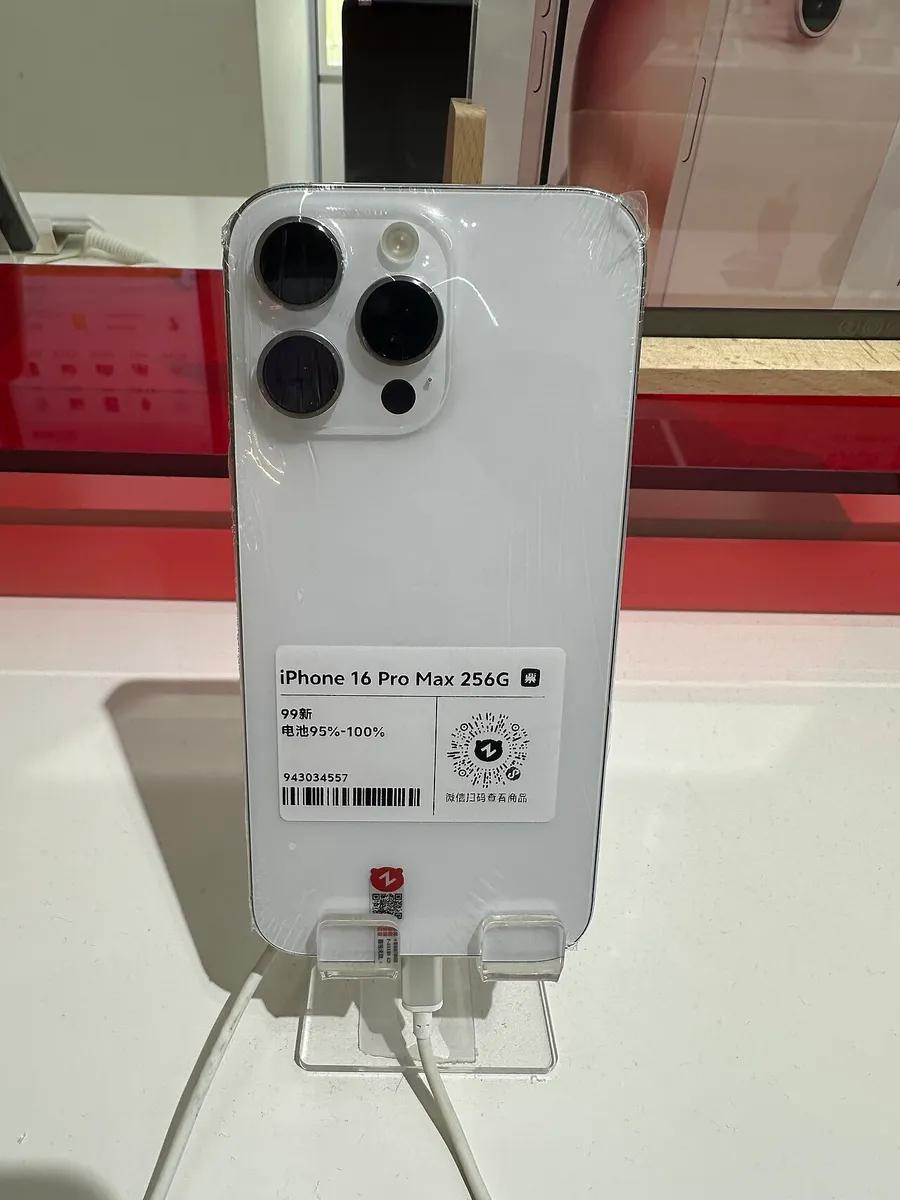
- Screen and body condition. Buyers grade phones openly. The refurbished iPhone 16 Pro Max in the photo below carries a printed condition grade and a battery range on its label, which is exactly how your phone will be judged.
- Battery health. Check Settings, Battery, Battery Health & Charging. Apple designs iPhone 15 batteries to hold 80% at 1,000 full cycles and iPhone 14 and earlier at 500, per Apple Support. Around or under 80% gets priced in.
- Carrier lock. Locked phones sell to fewer buyers, so they earn less. We can check lock status at the counter.
- iCloud and Find My. An activation-locked phone cannot be resold at all until it is cleared.
Repair first, or trade it in as-is?
The buyer subtracts what a repair will cost them, so the question is whether you can fix it for less than the deduction. Get both numbers before deciding.
| Situation | What to compare | Where to look |
|---|---|---|
| Cracked screen | Repair quote vs. the deduction on your offer | iPhone repair cost guide |
| Battery at or below ~80% | $59 to $89 replacement vs. the deduction | Battery replacement guide |
| "Finish Repair" shown in Parts and Service History | Apple says the repair must be finished before its own trade-in | Apple Support checklist |
| Works and looks fine | Nothing to fix. Get an inspection and compare offers. | Get a free offer |
If you do repair, parts quality matters to the next owner. Read how we approach it on our quality parts and lifetime warranty pages.
Your 10-minute prep checklist
This follows Apple's official guidance, in the order that avoids problems at the counter:
- Back up your iPhone and move your data to the new one first.
- Unpair your Apple Watch if it is paired.
- Check Parts and Service History for any "Finish Repair" item.
- Sign out of iCloud and the App Store, which also turns off Find My iPhone and Activation Lock.
- Remove your cards and passes from Wallet.
- Switching to Android? Deregister iMessage so your texts still reach you.
- Erase all content and settings, then bring the phone in.
How the trade-in works at Cell Universe
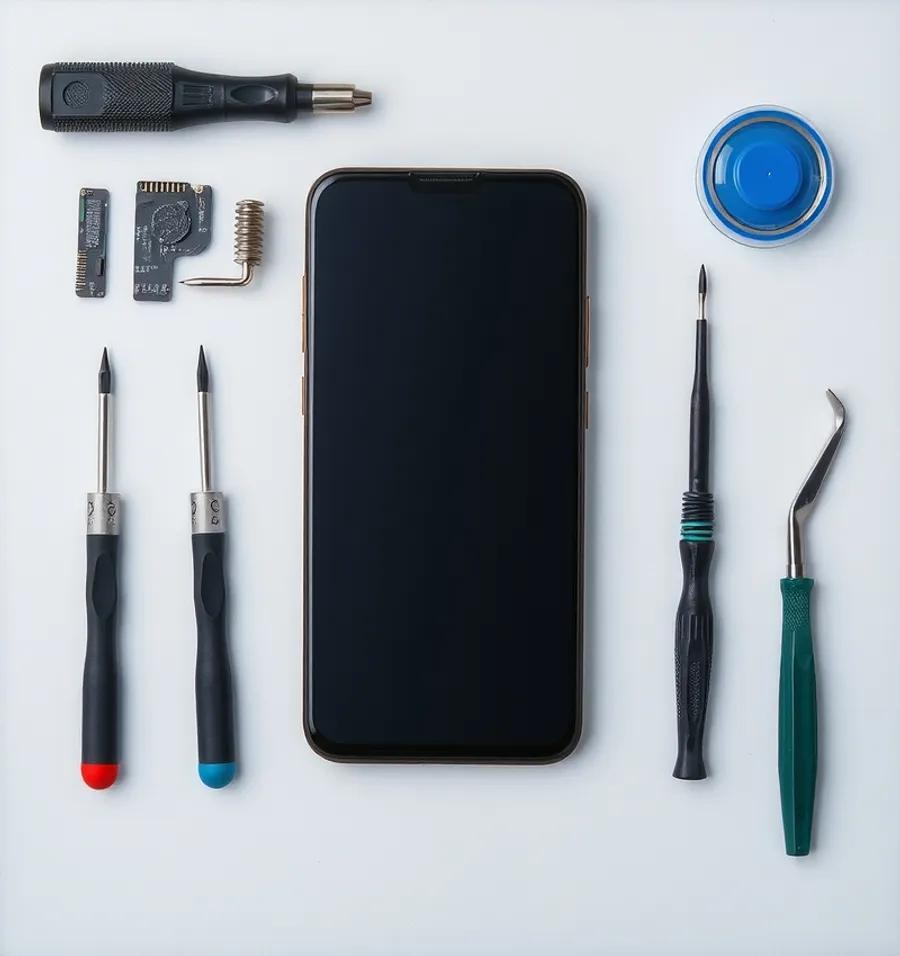
- Walk into any of our five Vancouver locations. No appointment is needed.
- We check the screen, body, battery health, carrier lock and iCloud status on the spot.
- You get an upfront offer straight away, with no obligation.
- Take cash, or roll it into credit toward a new or certified pre-owned phone.
- Whatever cannot be resold is wiped, refurbished or recycled, not thrown out.
We also stand behind our price match guarantee. If you would rather browse before you sell, see what we stock on our buy any phone page, or start with Buy, Sell & Trade.
Which new phone should you trade up to?
Undecided between the Pro, Pro Max and the foldable Duo? Our iPhone 18 breakdown compares real prices, battery and cameras. Considering a switch? We put the iPhone 18 Pro head to head with Google's newest in Pixel 11 vs iPhone 18 Pro. New foldable? Read how to protect a folding screen before you buy a case. And do not forget a screen protector and case from our accessories range: it keeps the phone in better shape for your own trade-in later.
Frequently Asked Questions
Is now a good time to trade in my iPhone for the iPhone 18?
What do I need to do to my iPhone before trading it in?
Can I trade in a cracked iPhone or one with a weak battery?
Do I have to buy the new iPhone at the same time?
What is Apple's own trade-in worth compared with a local shop?
Does the battery health percentage change my offer?
Sources, checked 2026-09-20
Ready to trade up to the iPhone 18?
Get a Free Trade-In Offer